Custom Canvas NZ

Custom Acrylic Photo Prints

(No reviews yet) Write a Review
SKU:
acrylicprint
  • acrylic prints
  • cheap acrylic prints
  • acrylic prints online
  • order acrylic prints
  • hanging acrylic prints
$28.56

Sold Out

Description

PERSONALISED PHOTO PRINTS · GLOSSY ACRYLIC

Make Your Favourite Memories Shine on Acrylic

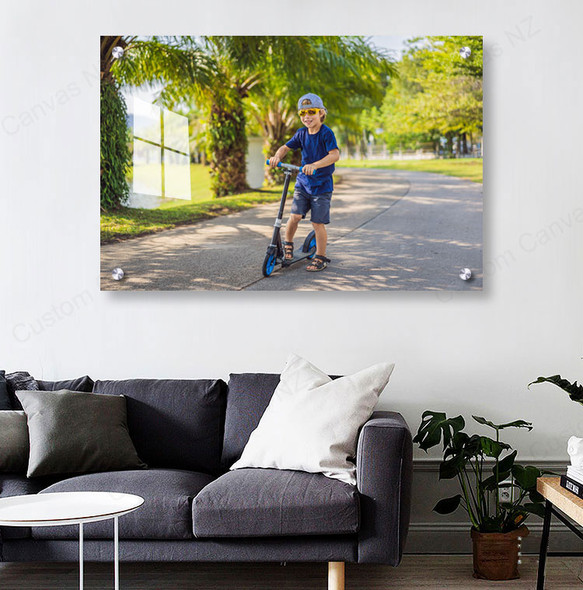
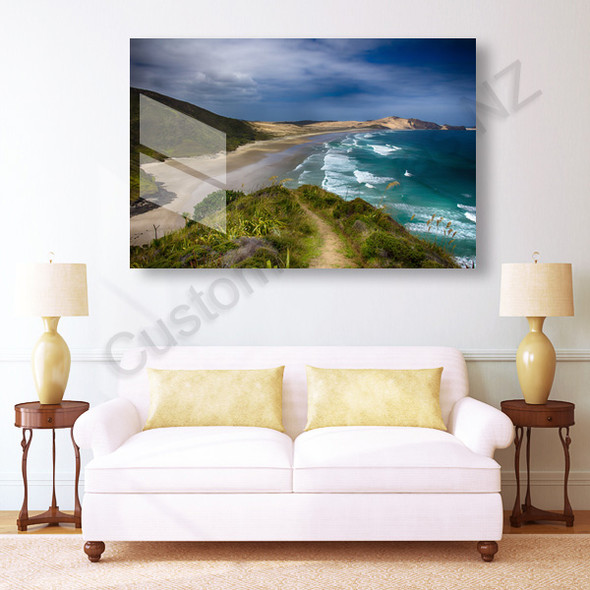
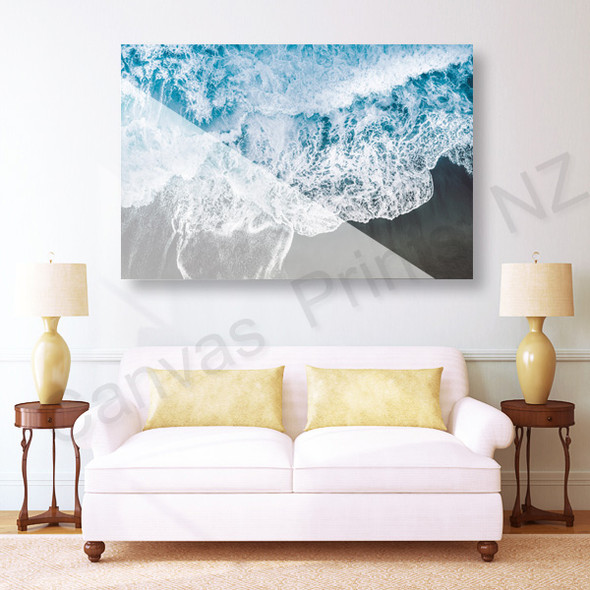
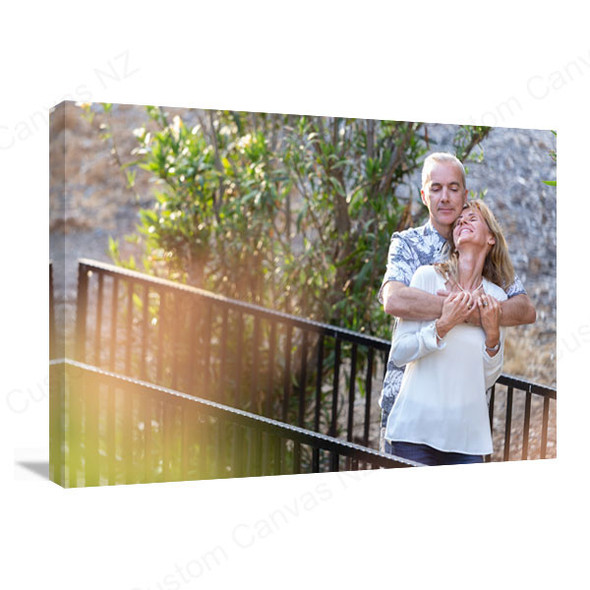
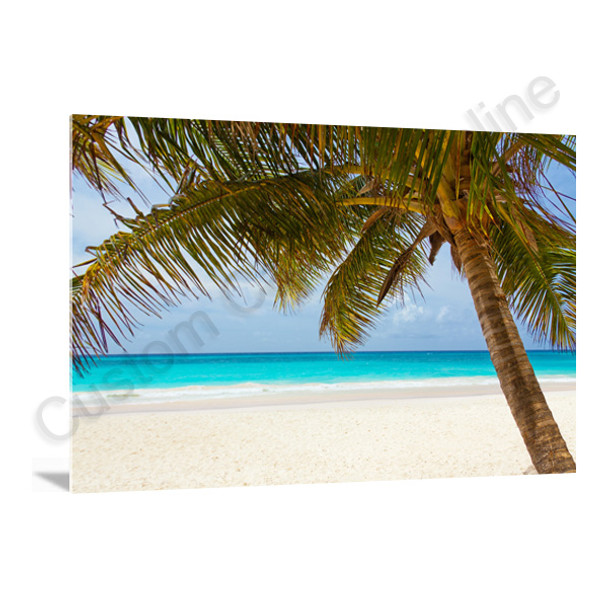
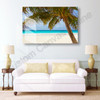
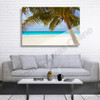
Create a custom acrylic photo print from a favourite portrait, wedding photograph, landscape or your own artwork. The glossy presentation gives your image a smooth finish and makes it a personal feature for your home or workspace.

Choose your dimensions and hanging method above, then click Upload Photos & Design to edit the image, add text and preview the layout before ordering.

Your photo, personalised on an acrylic panel in your chosen size
22 Available Sizes3 Hanging ChoicesOnline Editing & PreviewNew Zealand Delivery

Key Features of Your Acrylic Photo Print

Choose the panel and presentation that suit your photograph, then make the design your own.

Your Own Photograph

Use a favourite image or your own artwork to create a personalised photo panel.

A Size for Your Space

Compare rectangle, square and panoramic sizes to suit the composition and the wall you have measured.

Your Hanging Choice

Select a rear Metal Bracket, visible Silver Bolts or No Hanging System for your own display arrangement.

Design Before Ordering

Adjust the crop, add text and inspect your design in the online editor before completing the order.

What You Are Ordering

A personalised acrylic photo panel made with your supplied image. The selected size and hanging method define your order; the live product price appears in the purchase area above.

Material and surface Acrylic panel with a smooth, glossy presentation.
Dimensions 22 listed sizes across rectangle, square and panoramic formats. Compare them below.
Orientation Portrait or Landscape for rectangular formats. A square has equal sides.
Hanging Method Metal Bracket, Silver Bolts or No Hanging System.
Personalisation Your image, online editing, personalised text and a design preview.
Colour Effect Keep the original colour or choose an available image effect, such as Black & White or Sepia Tone.

If your installation depends on panel thickness, fixing dimensions or particular wall fittings, contact us to confirm the specification before ordering.

Choose How Your Acrylic Print Will Hang

The mounting choice affects what you see from the front and how you plan the installation. Compare the two fixing styles below.

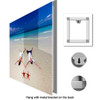
Metal Bracket

Acrylic print mounting example with a metal bracket and keyhole hanging point on the back
Rear bracket example from the product gallery.

The support is behind the panel, leaving the photo’s front free of corner bolt caps. Plan the print’s orientation before installation.

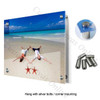
Silver Bolts

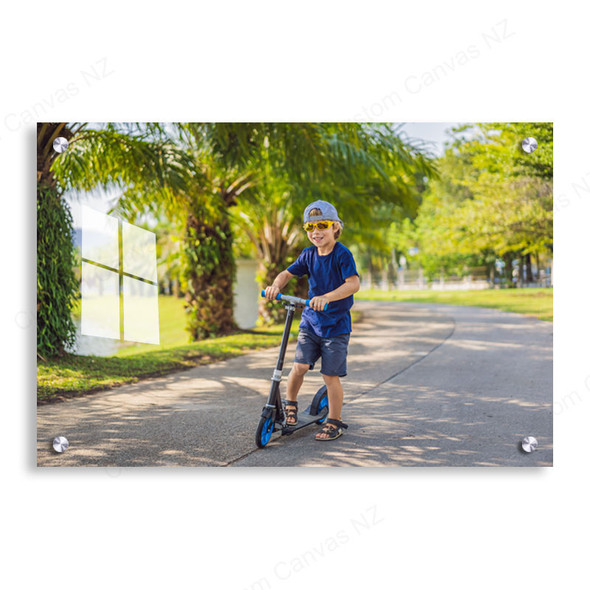
Acrylic print mounting example showing silver bolt caps at all four corners
Visible corner-fixing example from the product gallery.

Silver caps are visible at the corners. Keep faces, dates and important lettering clear of these areas, and confirm hole and fixing dimensions if placement is critical.

No Hanging System

Choose this option when you will arrange the display method yourself. A photo panel without the offered hanging system is different from a self-standing acrylic block. Contact us to confirm a tabletop display request before ordering. If you require an undrilled panel or a particular mounting arrangement, please confirm it with us before ordering.

The pictures illustrate the mounting styles. Wall fittings must suit the panel and wall surface; ask us to confirm which components are supplied with your chosen option.

Choose a Size That Fits Both the Photo and the Wall

Start with the photo’s shape, then select the physical size. Matching the image ratio helps preserve the composition; increasing the size within the same ratio does not remove a cropping mismatch.

Listed dimensions in centimetres, shown as short side × long side. Ratios describe the long side relative to the short side.
Ratio Available sizes Useful starting point
3:2 20 × 30; 30 × 45; 40 × 60; 50 × 75; 60 × 90 cm Rectangular photos with a 3:2 composition.
5:4 40 × 50 cm A less elongated rectangle for portraits or artwork.
4:3 60 × 80; 75 × 100 cm Photos with a 4:3 composition, including many phone images.
1:1 20 × 20; 30 × 30; 40 × 40; 50 × 50; 60 × 60; 75 × 75 cm Square images and compositions with room around the subject.
2:1 25 × 50; 30 × 60; 40 × 80; 50 × 100; 60 × 120 cm Wide views with more height than a 3:1 panorama.
3:1 20 × 60; 30 × 90; 40 × 120 cm Long panoramic compositions.

A practical example

A 6000 × 4000 pixel landscape photo has a 3:2 ratio. Its shape matches a 60 × 90 cm panel in landscape orientation; a 60 × 80 cm panel has a 4:3 ratio, so filling it requires a different crop. Matching the ratio preserves shape, but the source image still needs enough detail for the chosen print size.

Measure the wall’s available width and height, including clearance around furniture. Select Portrait or Landscape to match your layout, and check the current size options above before ordering. For dimensions outside the list, ask about a custom-size request.

Design and Preview Your Acrylic Photo Print Online

Use your own image and review the design while making your product choices.

1

Select your options

Choose the size, orientation and hanging method. Check the price for your selected configuration.

2

Upload and personalise

Click Upload Photos & Design. Position the photo, adjust the crop, add text and try the available image effects.

3

Review and order

Check all image edges, spelling and text placement. Confirm the product options, then complete the design and continue to the cart.

If you change the size or orientation, inspect the preview again. The preview helps you assess the layout; screens cannot reproduce the acrylic’s physical shine, reflections or exact printed colour.

Check These Details Before Placing Your Order

Use the original image

Upload the best available original rather than a screenshot or a heavily compressed copy. If you are unsure about a large print, send us the image and intended size for a suitability check.

Allow room for the fixings

With Silver Bolts, review the photo’s corners as well as the outer crop. Keep meaningful text and details away from the visible bolt locations.

Check the viewing position

A glossy panel can reflect windows and lamps. Consider where the print will be viewed, especially if your image contains large dark areas.

For clear areas, a specific background treatment, precise colour requirements or unusual installation needs, discuss the artwork with us before paying. Order notes should explain the request, but special specifications still need confirmation.

New Zealand Delivery and Order Support

Delivery within New Zealand

The published New Zealand delivery fee is NZ$9.95 per order. Review the delivery charge shown at checkout for your order.

Production and arrival time depend on the product, workload and delivery address. If the print is for a particular occasion, send us your size, postcode and required date before ordering.

Help with your photo or order

We can help assess image suitability and discuss special requirements. If you need to change an order, contact us promptly so we can check whether production has started.

For an issue after delivery, send your order details and clear photographs so we can investigate. Read our ordering, delivery and support FAQs for more information.

Acrylic Photo Print FAQs

Practical answers about your image, panel and display options.

Is this a glass print or an acrylic photo block?

This product is a photo print on an acrylic panel, with a glossy presentation. Acrylic is a plastic material rather than traditional glass. It is also a different format from a thick, self-standing acrylic photo block.

Will my whole photo fit the size I choose?

That depends on the photo’s proportions and the selected print size. A different shape can require cropping even when the print is larger. Use the editor to check every edge; if keeping the complete image is essential, contact us before ordering to discuss the layout.

Which hanging method should I choose?

Choose Metal Bracket for a front view without visible corner bolt caps, or Silver Bolts if you prefer the visible corner-fixing style shown above. Choose No Hanging System when you will arrange a suitable display method yourself. Ask us to confirm hardware and hole details before ordering if your installation depends on them.

Can I edit my photo and add personalised text?

Yes. Click Upload Photos & Design to edit the image, add text and check your design online. Review spelling, dates, placement and the final crop before completing the order.

Does Soft Matte mean the acrylic surface is matte?

No. Soft Matte is a colour effect applied to the image. It does not change this product’s physical acrylic surface into a matte or frosted finish. Preview any colour effect before choosing it.

Can parts of the finished print remain transparent?

Contact us before ordering with the file and the areas you want to remain clear. A transparent PNG alone does not confirm the finished result: the printing and background treatment must suit the requested appearance. We will confirm whether your request can be made and how to order it.

How do I know if my image is suitable for a large print?

Use the original file and send us the intended size if you would like an image-quality check. Sharpness depends on the source image, the crop and the final dimensions. The on-screen preview helps confirm the layout; it does not guarantee the finished print’s detail, colour or reflections.

What if I need a different size or a specific delivery date?

Please contact us with the dimensions, hanging preference, delivery postcode and required date before paying. We will check the request and advise on the available options. Production and delivery time vary by product, workload and destination.

YOUR PHOTO, PERSONALISED

Ready to Create Your Acrylic Photo Print?

Choose your dimensions and hanging method, then use Upload Photos & Design to personalise your image and check the preview.

Still comparing products? Browse our Acrylic Prints range.

View AllClose
Upload Your Photos Add your photos and personalise your design in the editor.
Opens the designer · Your size and style selections stay in sync.