


Description
Your Design, Printed on 1.2mm Aluminium
Turn your logo, text, illustration or complete graphic layout into a slim aluminium display. Choose a fully printed background, leave silver metal visible around your design, or let the aluminium texture show through the colours.
Choose Your Print Style
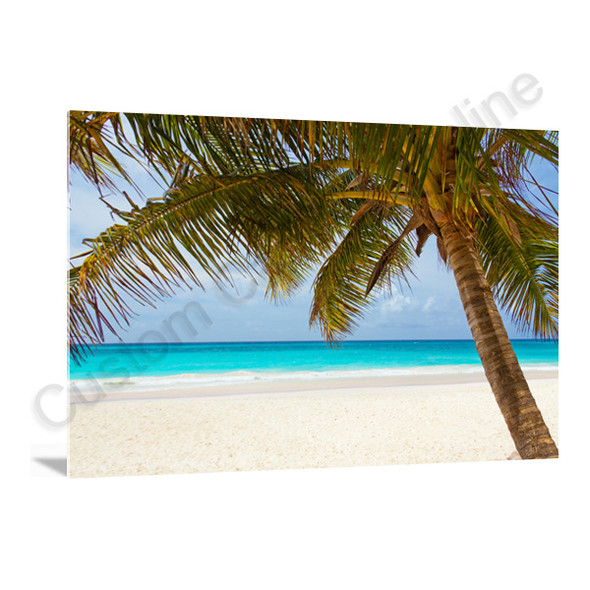
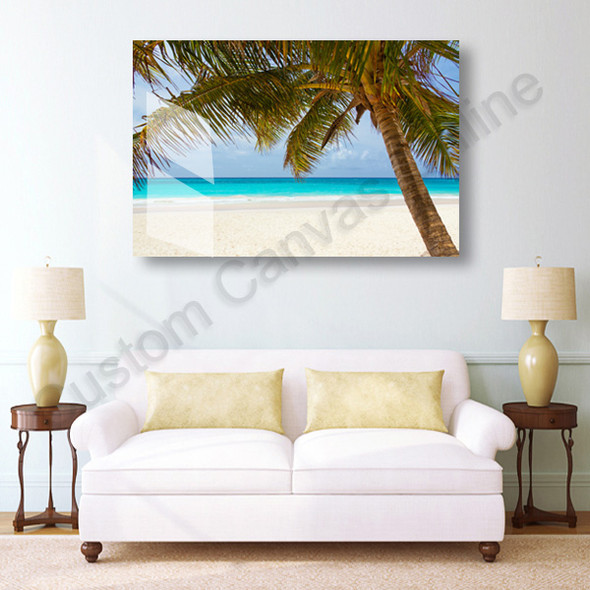
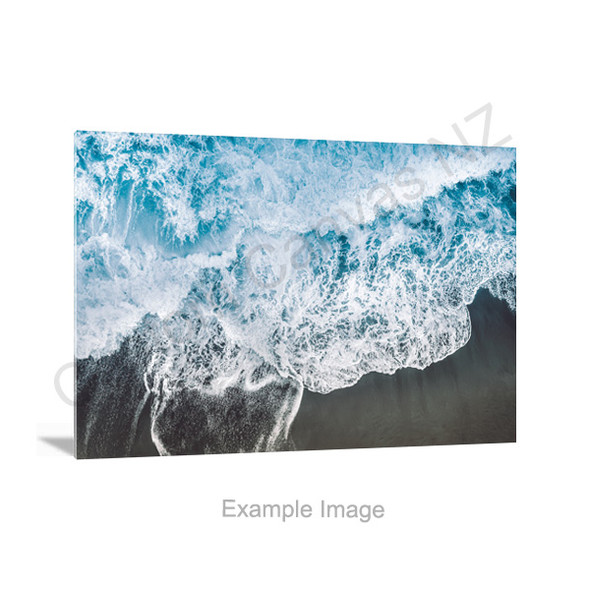
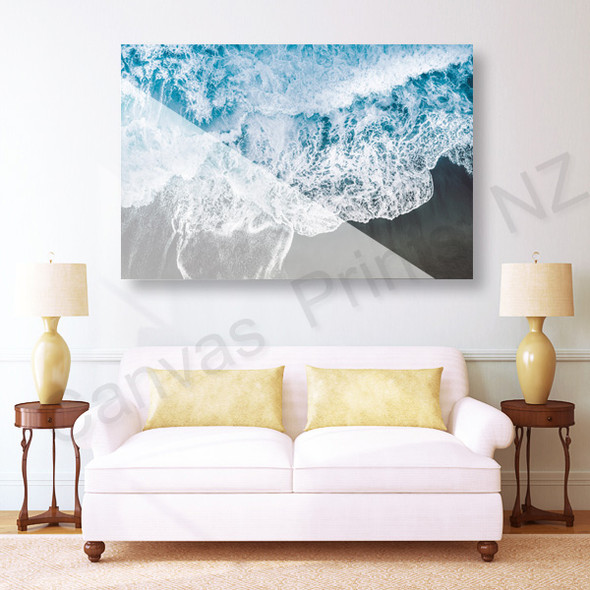
Compare the same design in three print styles. The main difference is where you see the aluminium: around the printed artwork, through the printed colours, or covered by a printed background.
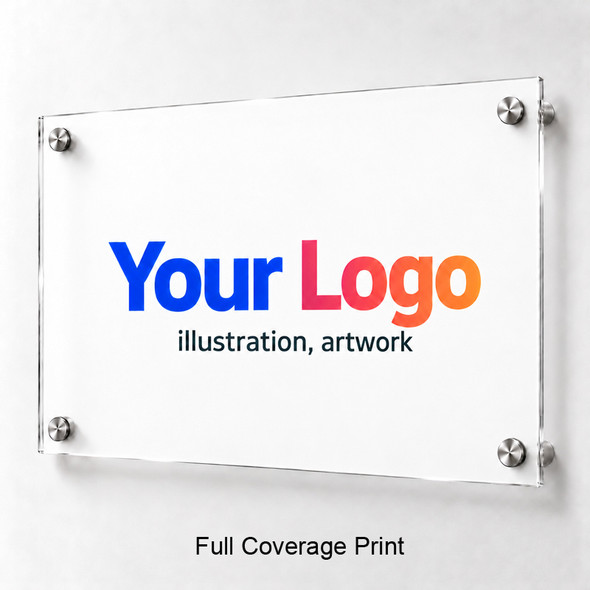
Full Colour Printing
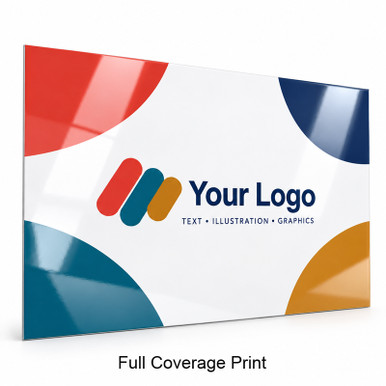
Create a complete colour layout with a printed background. The example has a white background, solid colours and a glossy appearance; your design can include its own background colour or artwork.
Specify the background you want to include and whether it should reach every edge. A white file background is part of the layout unless a different treatment is agreed.
Choose this for: a finished graphic panel with a printed background rather than exposed silver around the design.
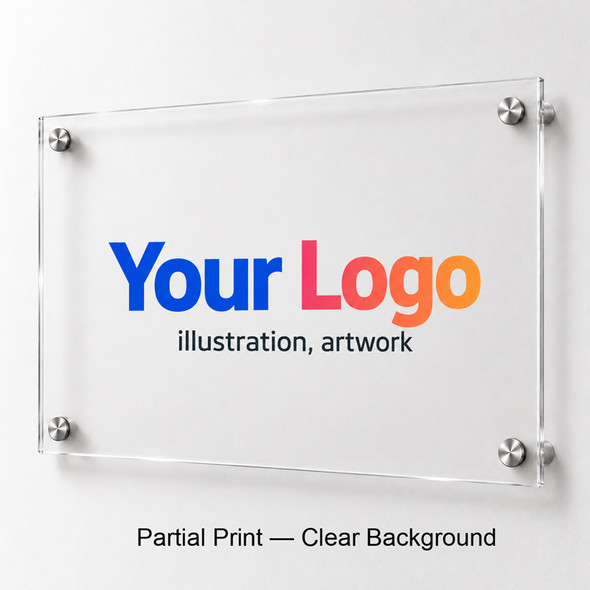
Partial Print
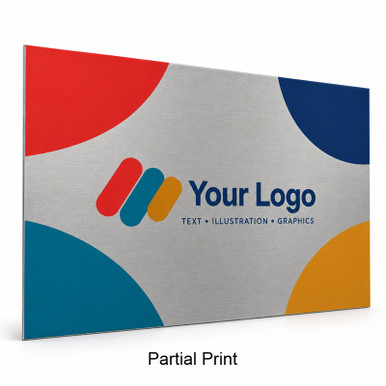
Print your logo, lettering or selected graphics while leaving the surrounding areas unprinted. The exposed areas show the silver-grey colour and brushed texture of the aluminium panel.
The design remains clearly coloured, while the metal itself becomes the background. Identify every area that should remain unprinted in your artwork and instructions.
Choose this for: a logo or text layout with visible silver aluminium around the printed elements.
Metallic Effect Print
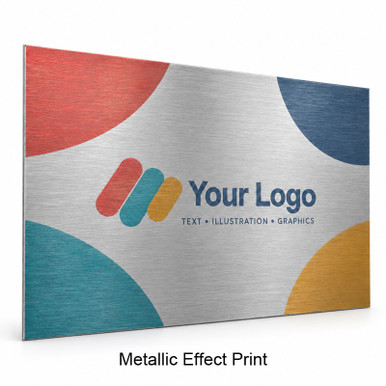
Let the aluminium contribute to the artwork. With no white printing beneath the colours, the silver base and brushed grain remain visible through the coloured areas for a metallic, semi-translucent ink effect.
Colours may appear softer and more influenced by the silver surface. White areas are not printed white; they show the aluminium instead.
Choose this for: artwork where visible metal texture is part of the colour effect.
Images illustrate the three Print Styles. Colour, texture and surface appearance vary with your artwork and lighting. “Full colour” describes colour printing; the first image specifically shows full coverage.
The key difference: Partial Print leaves the metal visible in unprinted areas. Metallic Effect Print also lets the metal show through the coloured print. The aluminium panel itself is opaque.
A Slim 1.2mm Aluminium Panel
A clean, straight-edged panel gives your design a slim profile. The 1.2mm measurement is the panel thickness; a selected hanging system adds to the overall depth.
Designed for Logos, Lettering & Graphic Artwork
Logo & Brand Panels
Create a panel for a reception area, office or display. Keep the logo in proportion and choose whether the background should be printed or exposed aluminium.
Text & Information
Print a business name, message or information layout. Choose the size around the viewing distance and the smallest lettering, rather than the logo alone.
Illustration & Digital Artwork
Display your own illustration, typography or graphic composition. Match the panel proportions to the complete layout and keep important details clear of the edges.
Plan the Background and White Details
Decide which parts of your design should be printed and which should show the silver aluminium. This matters as much as the logo or wording itself.
| In your artwork | What to check |
|---|---|
| White background | For a full-coverage design, include the intended background. For Partial Print, identify the surrounding areas that should stay unprinted instead. |
| White text or logo details | If white must remain white, confirm the treatment before ordering. Metallic Effect Print uses no white printing, so white areas show silver aluminium. |
| Transparent file areas | Use genuinely transparent areas to indicate where you want exposed metal. A PNG can still contain a solid background; saving a file as PNG does not remove it. |
| Brand colours | Metallic Effect Print changes the appearance of colours by allowing the silver substrate to contribute. Ask us about colour-sensitive artwork before finalising the order. |
Need help removing a background or handling white details? Send us the artwork and your intended result before ordering so we can confirm the setup.
Choose a Size That Keeps the Design Intact
There are 15 listed sizes across five proportions. Match the shape to your artwork first, then check the physical size and the smallest lettering.
| Proportion | Available sizes (cm) | Layout consideration |
|---|---|---|
| 3:2 rectangle | 20 × 30 · 30 × 45 · 40 × 60 50 × 75 · 60 × 90 |
A rectangular layout with room for graphics and supporting text. |
| 5:4 rectangle | 40 × 50 | A less elongated shape for compact designs. |
| 1:1 square | 30 × 30 · 40 × 40 · 50 × 50 60 × 60 · 75 × 75 |
A centred logo, emblem or square illustration. |
| 2:1 wide format | 30 × 60 · 40 × 80 | Horizontal logos, names and wider compositions. |
| 3:1 panoramic | 20 × 60 · 30 × 90 | An elongated layout with carefully planned lettering. |
Resize the layout, not the logo’s proportions. Avoid stretching a logo to fill a different shape. Leave space around the design, check the crop and keep important text clear of the edges and fixing points.
Choose the Hanging Method Before Placing the Artwork
Metal Bracket
Choose the bracket option and review the rear mounting arrangement. Consider the intended position of the panel and the requirements of your wall.
Silver Bolts
Allow for the visible fixing positions in your composition. Keep small text, logo edges and other important details clear of those areas.
No Hanging System
Choose this if you plan to arrange a suitable mounting solution yourself. Specify any hole requirements separately; this option describes the hanging system.
For a layout that depends on exact hole positions, mounting clearance or supplied parts, confirm the arrangement before ordering. Fixings must suit the panel and the installation surface.
Prepare Your Logo, Text or Artwork
Start with a Clear Original
- Use the original artwork or a high-quality export rather than a screenshot.
- Check small lettering and fine lines at the intended physical print size.
- Keep the logo’s proportions and allow space around the design.
- For a PDF, vector original or large design file, ask us how best to supply it.
Check the Details That Matter
- Check spelling, names, contact details and the final wording.
- State the intended background and areas to leave unprinted.
- Identify essential white details or colour requirements.
- Keep original colours for logos unless you intentionally want an image effect.
Use the online preview to check layout: review placement, proportions and cropping. A screen preview cannot reproduce the exact texture or colour response of metal. If small text or file quality is a concern, ask us to assess the artwork before ordering.
Create Your Aluminium Design Online
Select Your Options
Choose the size, orientation, Print Style and hanging method. Decide whether your background should be printed or show aluminium.
Upload & Arrange
Click Upload Photos & Design, add your artwork and check its layout. Use order notes to record any agreed background or artwork instructions.
Save & Review
Save the design, then review the selected options, quantity and delivery details in your cart before payment.
Custom Aluminium Printing FAQs
Answers about panel thickness, print styles and supplying your design.
Put Your Design on Aluminium
Choose your Print Style, size and hanging method, then create your logo, lettering or artwork layout online.
For photography and picture-led wall art, explore Aluminium Photo Prints. You can also compare the Metal Prints range.