Metal Prints
- Product
- Qty in Cart
- Quantity
- Price
- Subtotal
-


Brushed Aluminum Prints
Custom Canvas NZ
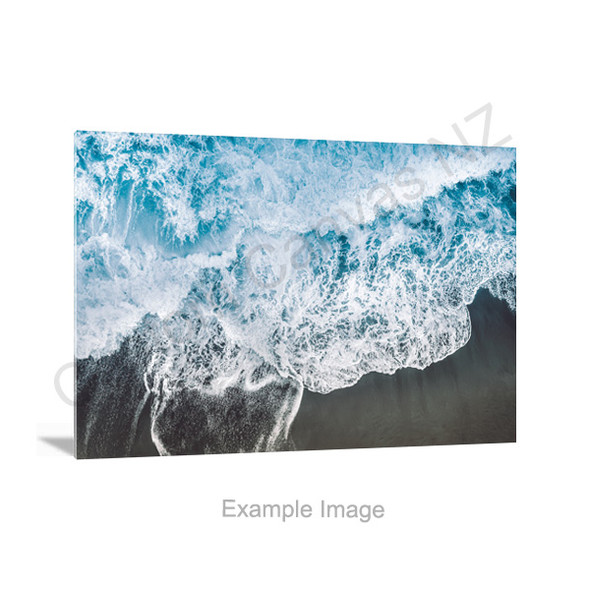
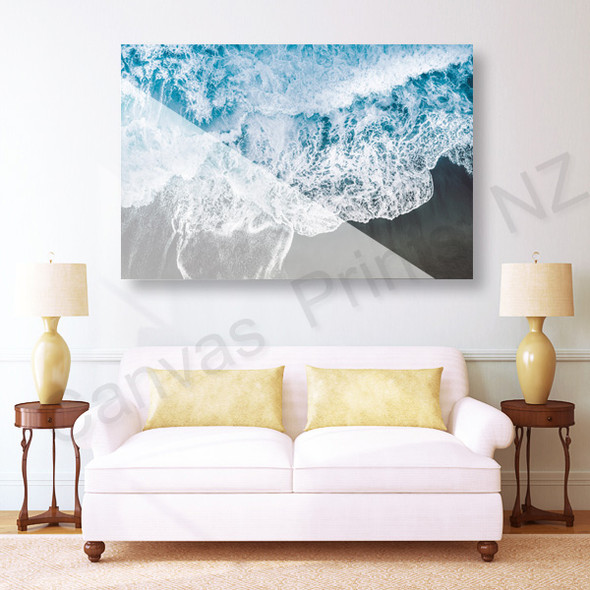
$32.80 - $210.98What Are Brushed Aluminum Prints? Brushed aluminum prints are premium photo prints created by directly printing images onto a sheet of aluminum with a brushed texture. The surface of the aluminum is...$32.80 - $210.98 -
 $32.80 - $210.98
 -

 $32.80 - $210.98
Make It Yours with a Print on Metal
Turn a favourite photo into metal wall art, or print your own logo, lettering or illustration on aluminium. Start with the product that suits your design, then compare the surface, size and hanging options. Delivery is available throughout New Zealand.
Choose the Metal Print for Your Design
Choose by what you want to display and how you want the finished surface to look.
Aluminium Photo Prints
Start here for a family portrait, wedding photo, pet picture or favourite New Zealand landscape. Choose your panel size and arrange the photo to keep the important details in view.
Explore Aluminium Photo PrintsCustom Aluminium Printing
Bring your own logo, illustration, lettering or prepared layout. Plan the background, printed area and position of the text around the panel edges and any fixing points.
Explore Custom Aluminium PrintingBrushed Aluminium Prints
Explore a visible metal grain as part of the presentation. Consider how the surface will work with your image, especially pale tones, fine detail and areas you expect to appear white.
Explore Brushed Aluminium PrintsSurface and print effect are different choices. Brushed aluminium describes a textured surface. Metallic Effect Print describes how the metal appearance shows through the colour. Check the selected product’s surface and background treatment together.
Understand the Three Print Styles
For logos, lettering and artwork, compare the coverage and appearance you want. Check the Custom Aluminium Printing product for available styles, or ask us to confirm the treatment for your design.
Full Colour Printing
For colour photos or graphic layouts. Include the background you want in your artwork and check the intended print coverage, including how any white areas should appear.
Check: important text and logos stay safely inside the edges and clear of fixing points.
Partial Print
Only the intended logo, text or artwork is printed; the remaining area shows the panel’s surface. The colour treatment within the printed design should be confirmed separately.
Check: your file clearly identifies which areas should remain unprinted.
Metallic Effect Print
The metallic surface contributes to the appearance of the coloured areas. The effect varies with the artwork, surface and lighting, and can change the way colours and pale details appear.
Check: the intended coverage, white areas and background treatment before ordering.
Full colour means multicolour, not full coverage. A small colourful logo can still be a partial print. Aluminium is opaque: an unprinted area shows the panel surface rather than becoming transparent.
Match the Panel Shape to Your Image
The range currently includes 15 sizes. Start with the image’s proportions, then measure the space where the panel will sit. All sizes below are in centimetres.
| Proportion | Available sizes (cm) | How to choose |
|---|---|---|
| 3:2 rectangle | 20 × 30 · 30 × 45 · 40 × 60 50 × 75 · 60 × 90 | A starting point for photos composed in a 3:2 ratio. |
| 5:4 rectangle | 40 × 50 | A less elongated shape for portraits or compact layouts. |
| 1:1 square | 30 × 30 · 40 × 40 · 50 × 50 60 × 60 · 75 × 75 | A balanced layout for centred subjects or square artwork. |
| 2:1 wide format | 30 × 60 · 40 × 80 | More width for scenery, horizontal logos or graphic layouts. |
| 3:1 panoramic | 20 × 60 · 30 × 90 | An elongated format that needs a suitably wide composition. |
40 cm high
40 × 60 cm: more vertical room for the image.
30 cm high
30 × 60 cm: the same width, with a wider-looking composition.
These diagrams compare proportions, not actual size on your screen. Check the crop before choosing a different ratio, especially around faces, text and details close to an edge. For a size not listed, ask us about your requirements.
Plan the Hanging Method Before the Layout
Choose the hanging option on the product page and allow for it in the composition.
Metal Bracket
Explore the bracket option and its rear mounting arrangement. Check the product images and installation requirements for your chosen panel.
Silver Bolts
Consider the visible fixing points as part of the design. Keep logos, small lettering and important photo details clear of their positions.
No Hanging System
Choose this when you plan to arrange a suitable mounting solution yourself. Confirm any hole requirements separately; the option name describes the hanging system.
The fixing method must suit the panel and your wall. If hole positions, mounting clearance or supplied parts are important to your project, confirm them before ordering.
Prepare the File for the Finished Print
For Photos
- Use the original image where possible, rather than a screenshot or a compressed copy.
- Check faces and fine detail at the size you intend to print.
- Compare the photo’s proportions with the panel and review the crop.
- If you are unsure about a larger print, ask us to assess the image before ordering.
For Logos, Illustration & Text
- Use a clear, high-quality artwork file and check small lettering carefully.
- Leave room around the artwork for panel edges and fixing points.
- State which background areas should be printed or left as the panel surface. A PNG file is not automatically a transparent-background file.
- For brand colours or essential white details, confirm the surface and print treatment first.
Use the preview for layout. It helps you check position, proportions and cropping. A screen cannot reproduce the exact reflection, texture or colour appearance of a physical metal surface. For logos and brand artwork, keep the original colours unless you intentionally want an image effect.
Create Your Metal Print Online
Choose Your Product
Open the photo, custom printing or brushed product. Check its surface, available size and hanging choices.
Upload & Arrange
Select Upload Photos & Design. Arrange your photo or artwork and review the crop and text.
Review & Order
Save your design, check the selected options and quantity, then review your cart and delivery details.
Working to an event date or planning a specialist display? Contact us before ordering to confirm the product’s suitability and current production and delivery timing.
Metal Prints FAQs
Answers to help you choose a product, prepare the design and plan the finished display.
Choose Your Metal Print
Start with your photograph, logo or artwork, then choose the product and options that suit your display.