

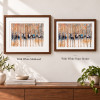

Description
YOUR PHOTO · FINE ART PAPER · YOUR CHOICE OF FRAME
Your Photos, Professionally Printed and Framed
Turn a favourite photograph into a framed piece for your home, office or a personal gift. Our custom Framed Photo Prints combine fine art paper printing with a wood frame, clear acrylic glazing and your choice of six frame finishes.
Upload your photo, select a size and frame finish, and choose whether to add a white matboard mount. Review the composition in the online designer before ordering for New Zealand delivery.
Photo Printing and Framing, Designed Around You
Your Image, Printed and Framed
Use a photograph, illustration or suitable digital artwork file to create a complete framed paper print.
Fine Art Paper and Pigment Inks
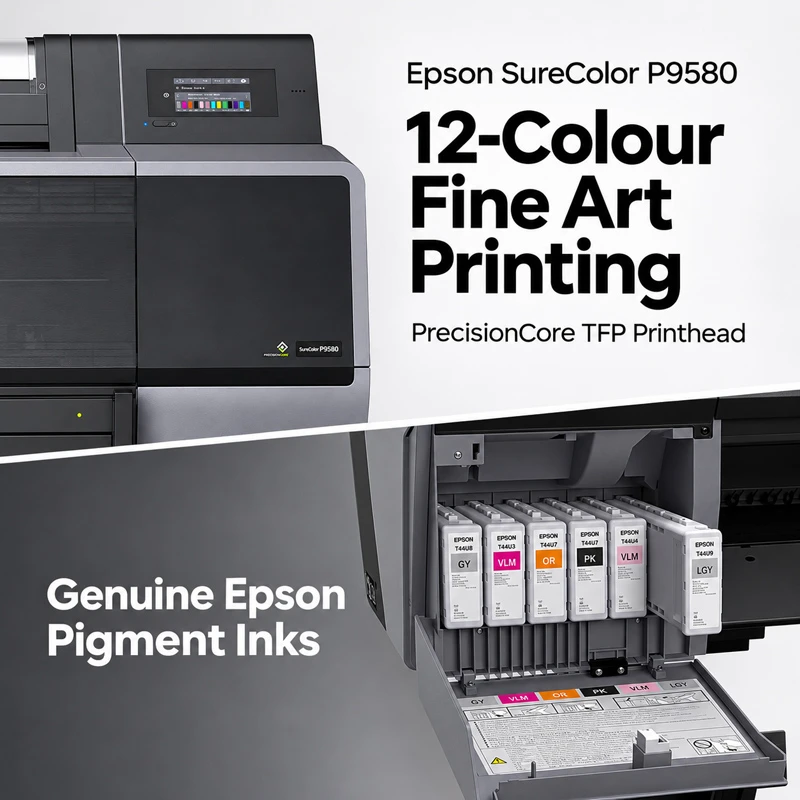
Epson SureColor P9580 fine art printing with genuine Epson pigment inks.
Choose Your Presentation
Select a frame finish and decide whether a separate white card mount suits the image.
Preview Before Ordering
Check cropping, orientation and important details in the online design preview.
Custom Framed Photo Prints for Your Home and Your Artwork
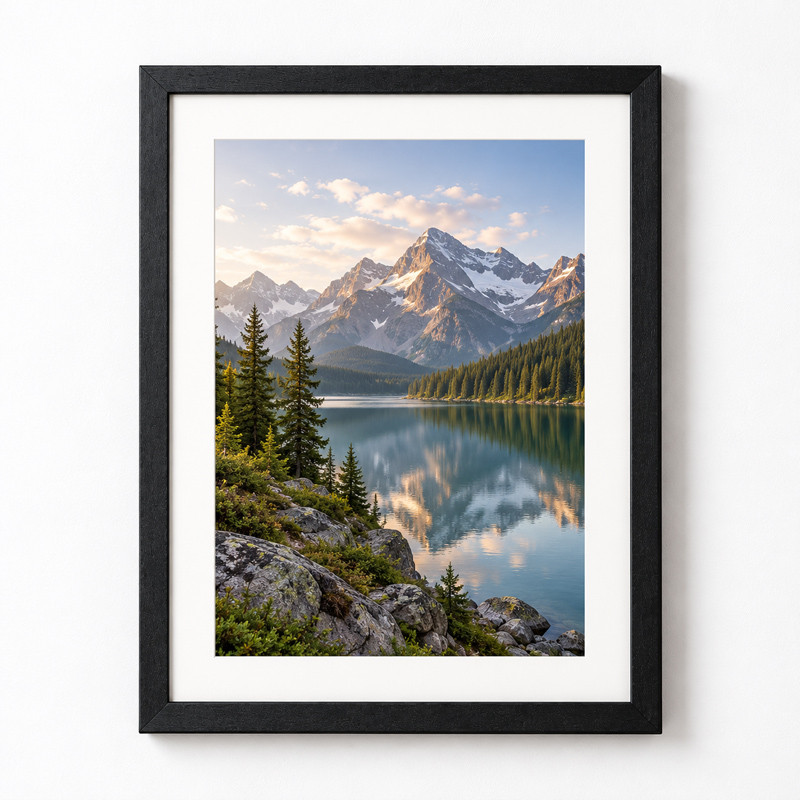
A Finished Frame for Your Own Photograph
Create a print from a family portrait, wedding photograph, travel image, pet portrait or a piece of artwork that matters to you. Choose the composition and frame finish to suit the image and the space where it will be displayed.
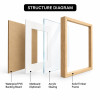
Your image is printed on fine art paper and presented inside the selected frame. Clear acrylic glazing covers the front, and a backing board completes the rear of the framed print.
The optional white matboard is a separate card mount surrounding the picture. It creates a different presentation from a white border included in the paper print itself.
If you only need a paper print for a frame you already own, explore our unframed Giclée Prints.
Fine Art Paper Printing with Genuine Epson Pigment Inks
We use an Epson SureColor P9580 12-colour printing system and genuine Epson pigment inks to reproduce the detail, colour and tonal transitions in your supplied image. Fine art paper gives the print a paper-based presentation within the frame.
Photographs, digital illustrations and good-quality scans of paintings or drawings can all be prepared for this product. The sharpness of the source file and its proportions are important when choosing a print size.
Keep the Original Appearance of Your File
Choose Original Color in the editor when you want to preserve the appearance of the image you upload. Creative filters such as Watercolor, Oil Painting and Fine Art alter the image; they are not paper selections.
For a specific paper brand, paper weight or colour-critical project, confirm your requirements with us before ordering. Screen brightness, paper tone, glazing and room lighting can all affect how a print looks.
Materials and Framing Details
Choose from Six Frame Finishes
Select the exact finish name shown in the product options. Black and white can give a defined, simple outline; the wood-look finishes provide a choice of lighter and warmer tones. These are finish names, rather than a specification of the timber species.


Use the frame images to help compare the finishes. Screen settings, lighting and the natural variation in a wood-style surface can affect how the colour appears.
White Matboard or White Paper Border?
Both can create white space around an image, but they are different ways of presenting the print. Choose the structure first, then check the finished layout.
No Matboard
Choose No Matboard for a presentation without a separate white card mount. Your image can be prepared without an added white paper border, subject to the composition you approve in the preview.
White Paper Border
A white paper border is an unprinted area on the same sheet as the image. It is part of the print layout, so there is no separate raised card layer. Check the image area and border when preparing your design.
Add White Matboard
Choose Add White Matboard for a separate white card mount with a window around the picture. It provides a defined physical border and adds depth between the image and the glazing.
Keep these two choices separate: Matboard is selected under Matboard (White Card Mount). A white paper border belongs to the image layout. Selecting No Matboard does not, by itself, determine whether the image has a white paper border.
See the Difference in the Finished Presentation

A Separate Mount Creates a Different Finish
White matboard surrounds the image with a cut card window. The mount has its own thickness, so its inner edge is distinct from the flat surface of the print.
A white paper border remains on the printed sheet itself. It gives the layout breathing room while keeping the image and white surround on one continuous paper surface.
The matboard choice also affects the relationship between the picture, the mount and the frame. Check the finished outside dimensions if the frame must fit a particular wall space or align with other frames.
For a precise border width, a particular image area or a coordinated set, ask us to confirm the layout and finished size before placing the order.
Choose a Size for Your Photo and Your Space
Choose from square, rectangular and panoramic formats. Check the current NZD price after selecting the size, frame finish and matboard option.
Image size, print size and outside frame size are different measurements. A white paper border changes the image area within the print. A separate matboard adds a card surround, while the frame profile contributes to the outside footprint. If you need an exact finished width and height, confirm those dimensions with us rather than treating a size label as the outside frame measurement.
Start with your photo’s proportions, then choose a size for the room. Review the crop carefully if the selected format has a different aspect ratio from the original image.
Prepare Your Photo for a Framed Print
Start with a Clear Original
Use the original full-resolution photograph or a good-quality artwork export. Avoid screenshots and compressed copies from messaging apps. For paintings and drawings, supply a clear scan or carefully photographed digital file.
Protect Important Details
Check faces, text, signatures and details close to the edge. Match the image proportions to the chosen format, and review how the frame edge, crop and any mount window relate to the composition.
Ask Us to Check Your Photo
If you are unsure about the resolution, crop or intended size, send us your image for advice. If the uploader cannot accept your file, share a Dropbox, WeTransfer or Google Drive download link with your requirements.
Resolution guide: For close viewing, aim for approximately 300 pixels per inch at the intended image size. For example, a 40 × 60 cm image at 300 ppi needs about 4,724 × 7,087 pixels. Lower-resolution files may still work depending on sharpness and viewing distance; changing the resolution number alone does not create missing detail.
Online previews help you assess the layout. The brightness of your screen, the paper and the lighting around the finished frame affect colour perception, so a screen preview should not be treated as an exact physical colour proof.
How to Order Your Framed Photo Prints
-
Open the Online Designer
Start with Upload Photos & Design near the product title and price.
-
Select Your Frame and Layout
Choose the print size, orientation, frame finish and No Matboard or Add White Matboard. Upload your image and prepare the composition.
-
Review Your Design
Check the crop, border, important image details and selected options. Keep Original Color for the appearance of your supplied file.
-
Check Out for NZ Delivery
Review the saved design, quantity, delivery details, shipping charge and final NZD total before paying.
Prefer help with your layout? Contact us with your photo and requirements. Include the size, frame finish, matboard preference and any instructions about cropping, white borders or a required date.
Display and Care for Your Framed Print
Plan the Display Position
Choose a dry indoor position away from prolonged direct sunlight, strong heat and persistent humidity. Acrylic glazing can reflect windows and lighting, so consider the position and viewing angle before selecting the wall.
Handle and Clean with Care
Support the frame when moving it. Clean the external acrylic surface gently with a soft cloth, slightly dampened if needed. Avoid abrasive materials, solvents and household glass cleaners; keep moisture away from the frame edges and backing.
Check the Hanging Details
Wall fixings depend on your wall material and the finished artwork’s weight. For a larger piece, an exact installation or a coordinated display, ask us about the hanging arrangement and outside dimensions before ordering.
New Zealand Delivery and Order Support
New Zealand Delivery
Our published standard NZ delivery charge is NZ$9.95 per order. Review the current charge and final total at checkout. See our delivery and ordering FAQs for current information.
Dates, Custom Sizes and Multiple Prints
These prints are made to order. For an event, exhibition or multiple artworks, ask for the current production and delivery estimate with your sizes, quantities, postcode and required date.
If your framed print arrives damaged: Keep the packaging and contact us promptly with photographs of the damage, the outer packaging and the shipping label so we can review what happened and help with the next steps.
Framed Photo Prints FAQ
Practical answers about your photo, frame finish, matboard, print layout and order.
Create a Framed Print from Your Favourite Photo
Choose a size and frame finish, prepare your image and review the details before ordering.
Explore our Fine Art Prints collection for more paper-printing and presentation options.